 Screen MockupsAvailable in Canva
Your photo.
A new perspective.
Use your own photos to create device mockups in Canva. The app finds screens in phones, tablets, laptops and monitors and adds editable image placeholders, so you can place your own images in the device screens by dragging and dropping them in.
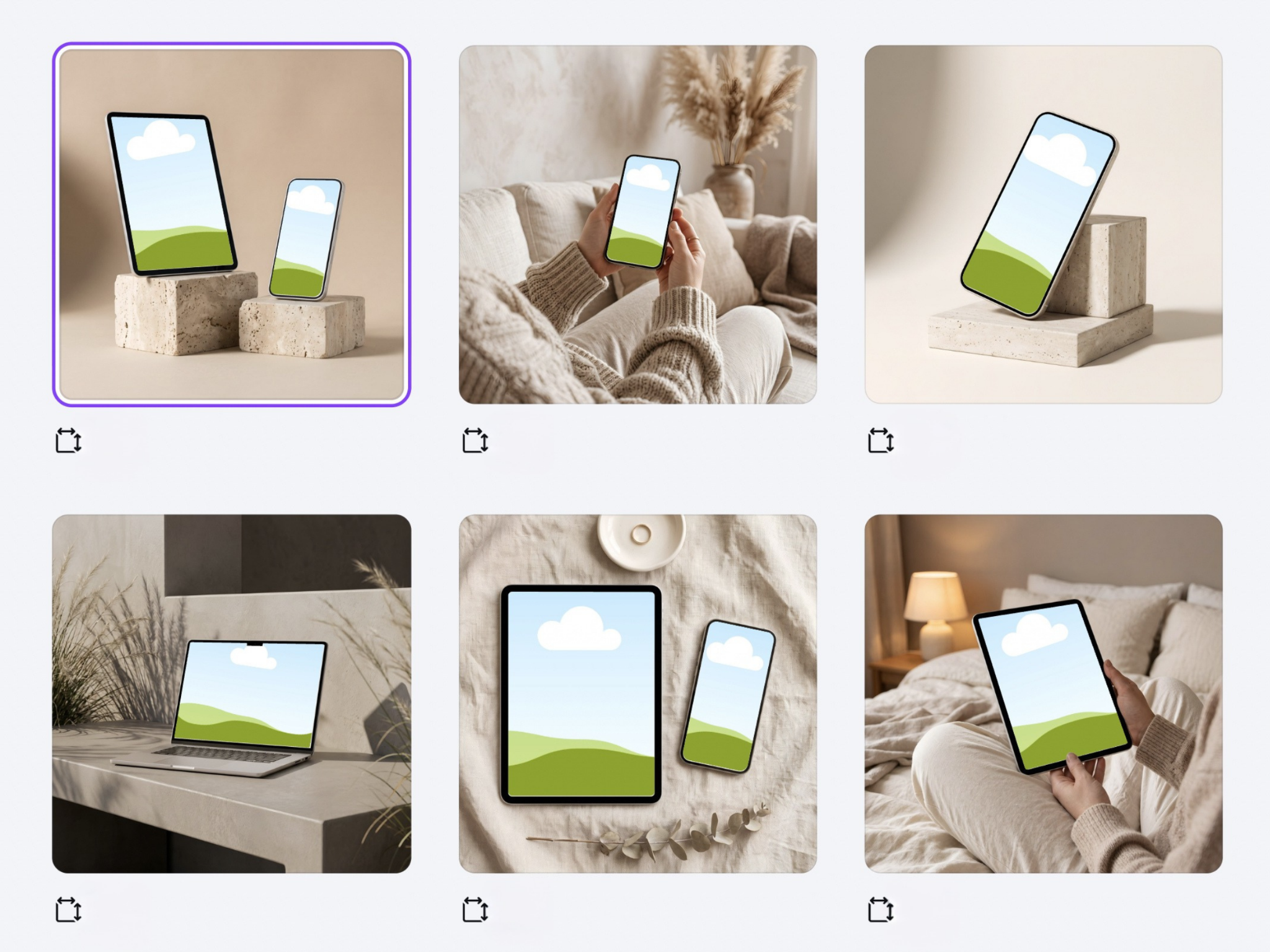
Real photos. Editable screen placeholders.
From photo to mockup
One photo. Three simple steps.
Choose your photo
Use a photo from your device or a photo on your Canva page.
Get your placeholders
The app finds the screens in your photo and adds editable image placeholders right into the devices.
Add your image
Drag your image into a device screen, and you’re ready to go.
Made for your own images
Give your designs
a place to shine.
From a phone in your hand to a laptop on your desk, bring your own device photos into your creative workflow.
Screen Mockups in action. Detection results depend on the photo.
Screen Mockups questions
How does Screen Mockups work?
Choose a photo from your device or work with photos on your Canva page. The app finds device screens and creates editable image placeholders. Review the placement, add it to your design, then drag your image into a placeholder.
Which devices can I use?
Screen Mockups is designed for phones, tablets, laptops and monitors. Use a clear photo where the screen is visible. Reflections, heavy angles or objects covering the screen can make detection harder. Always review the result.
Is this the same as the Etsy mockup collection?
They are different products. The Etsy collection provides ready-made device scenes. Screen Mockups is an app that helps turn your own photos into editable device mockups inside Canva.
Where are my photos processed?
Screen detection runs in your browser. When you add the result to a design, the relevant images and elements are sent to Canva. Read the app section of our privacy policy.
Can I use the app now?
Yes. Screen Mockups is available in Canva under Apps. Open a design, choose Apps and search for “Screen Mockups”. Select the app by Found and Flow to get started.
Available in Canva
Your next mockup
starts here.
Open a design in Canva, select Apps and search for “Screen Mockups”. Choose the app by Found and Flow, then use your own photo to get started.